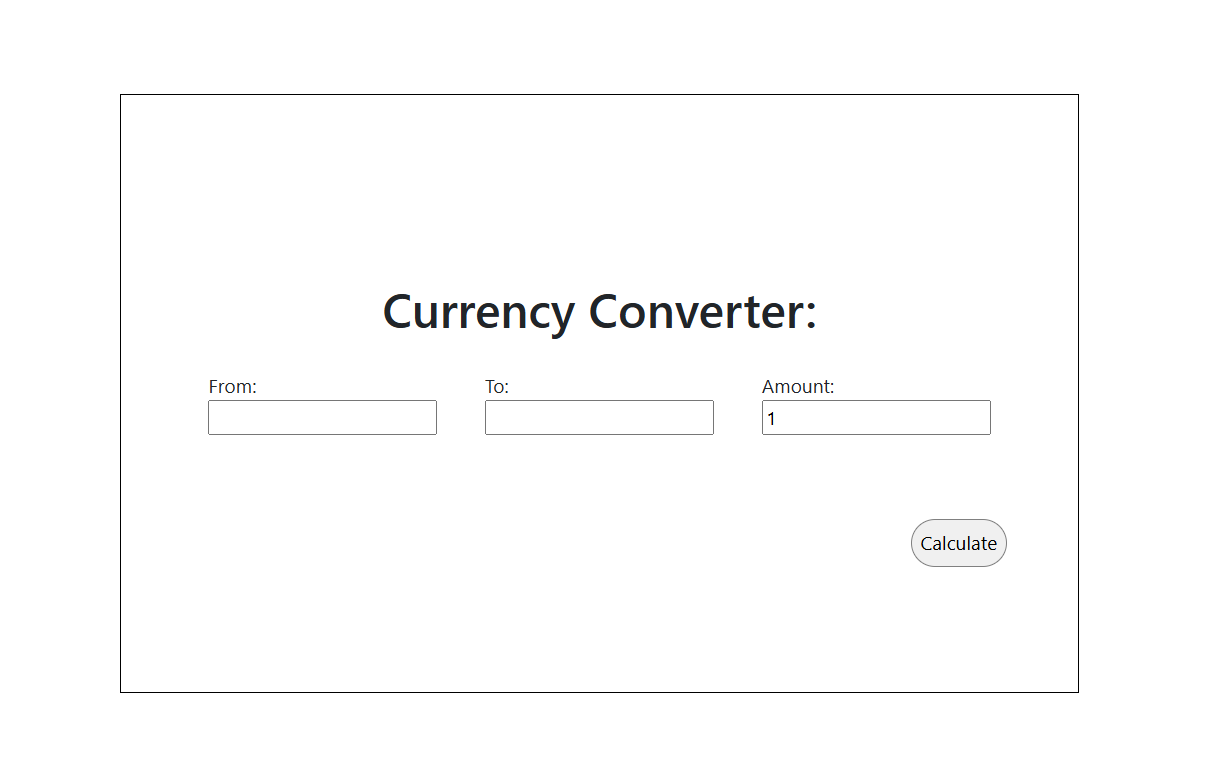
What is it
A full-stack currency conversion web application where users enter an amount, select a source and target currency, and get the converted result instantly. The Angular frontend communicates with a Java Spring Boot backend that fetches live exchange rates from an external API.
Problem it solves
Eliminates the need to visit external currency sites or do manual calculations. The app provides a clean, single-page interface backed by real-time exchange rate data, making conversions fast and accurate without leaving the browser.
How it works
- Hardware: None — runs as a backend Java process paired with an Angular dev server or static build.
- Software: Java 17, Spring Boot 3.1.5 (REST + WebFlux for reactive HTTP), Gradle for build automation, Lombok for boilerplate reduction. Frontend: Angular 17, TypeScript 5.4, Bootstrap 5.3.
- Key challenge: CORS between the Angular dev server and the Spring Boot API is handled via a
WebConfigbean. The backend uses Spring WebFlux'sWebClient(reactive, non-blocking) to call CurrencyAPI and retrieve the latest rates, then returns the calculated result to the frontend in a single GET response.
Results
Single API endpoint that accepts from, to, and amount query parameters and returns the converted value:
| Endpoint | Description |
|---|---|
GET /?from=USD&to=EUR&amount=100 |
Returns the converted amount as a double |
Supported currencies: any valid ISO 4217 currency code accepted by CurrencyAPI.
Photos

Setup
Backend
Requires a CurrencyAPI key. Add it to src/main/resources/application.properties:
currency.api.key=your_api_key_here
Build and run:
./gradlew bootRun
The backend starts on http://localhost:8080.
Frontend
cd currency-front-end
npm install
npm start
The frontend starts on http://localhost:4200.